Official: Samsung Rolls Out Stable One UI 9 Update for Galaxy Devices
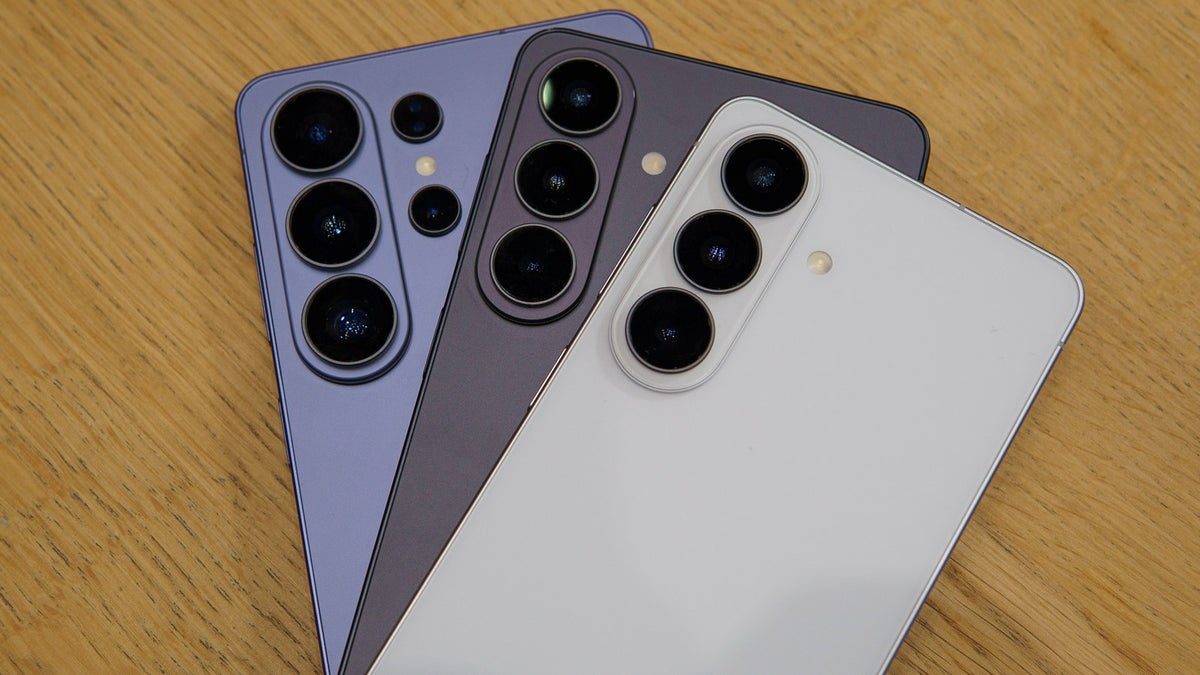
rollout of its highly anticipated stable One UI 9 update for Galaxy devices.
Confirmed by leading tech authorities including PhoneArena and Android Central, this release brings a refined software experience, advanced personalization, and next-generation artificial intelligence directly to millions of Galaxy smartphones.
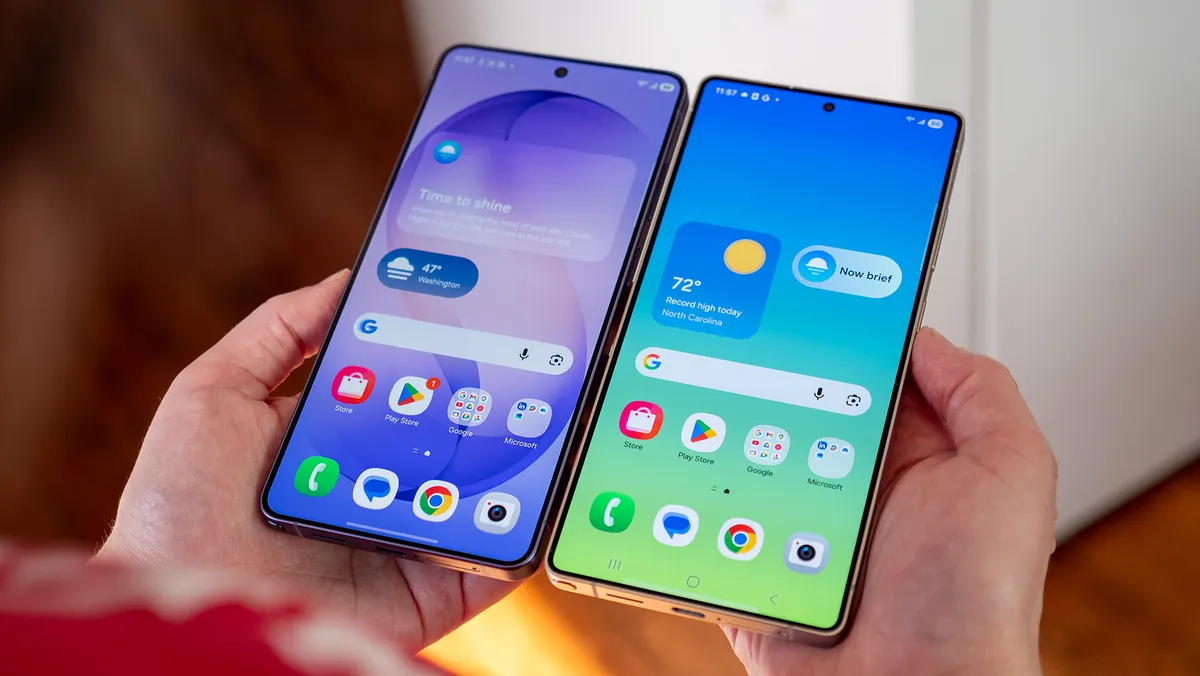
Top New Features in One UI 9 and Galaxy AI
The One UI 9 update represents a substantial architectural upgrade over previous versions, introducing several key enhancements:
- Ultra-Fluid Animations & Visual Refinement: Samsung has re-engineered the animation framework, delivering smooth frame transitions, responsive gesture navigation, and clean Gaussian blur effects that elevate user interaction.
- Next-Level Galaxy AI Capabilities: Real-time conversational translation now supports additional dialects, while generative image manipulation allows users to effortlessly reframe, remove, or expand photo elements with natural blending.
- Redesigned Quick Settings & Lock Screen: A modular design enables users to reconfigure control tiles and monitor contextual widgets effortlessly using single-handed navigation.
Eligible Devices Receiving the Rollout First
The initial global release phase prioritizes Samsung's top flagship tier:
- Galaxy S26 Series: Galaxy S26 Ultra, Galaxy S26+, and Galaxy S26.
- Galaxy S25 Series: Galaxy S25 Ultra, Galaxy S25+, and Galaxy S25.
- Foldable Lineup: Latest Galaxy Z Fold and Galaxy Z Flip iterations.
(Broader availability for the Galaxy S24 series and premium Galaxy A devices will follow in subsequent rolling waves).
How to Check and Install the Update Manually
To check whether the OTA firmware package is ready for your Galaxy device:
Launch the Settings app on your phone.
Scroll downward and select Software update.
Tap Download and install.
If available, allow the firmware package to download over a stable Wi-Fi network and tap Install now.
Join the Discussion
Has the stable One UI 9 update landed on your Galaxy smartphone today, and which feature are you most excited to try? Let us know your thoughts in the comments section below!

Fadi Q
News writer and editor at Madar24, contributing to the preparation and editing of news and articles and the publication of digital content, with a focus on presenting clear, accurate, and up-to-date information to readers.
All articles by this authorRelated articles

BioWare studio closure and 400 staff layoffs confirmed by EA
Electronic Arts officially shuts down BioWare and cuts 400 jobs to reduce overhead costs, casting severe doubts on the future of Mass Effect and Dragon Age.

Critical PHP security flaw triggers emergency government shutdowns
A critical PHP security flaw discovered by OpenAI sparks emergency server shutdowns across government agencies as global tech leaders deploy rapid fixes.
Nintendo Switch 2 Zelda Demand Sparks Official Restock
Nintendo officially concedes it underestimated consumer demand for the Zelda 40th Anniversary Switch 2 edition, confirming fresh retail restocks are underway.